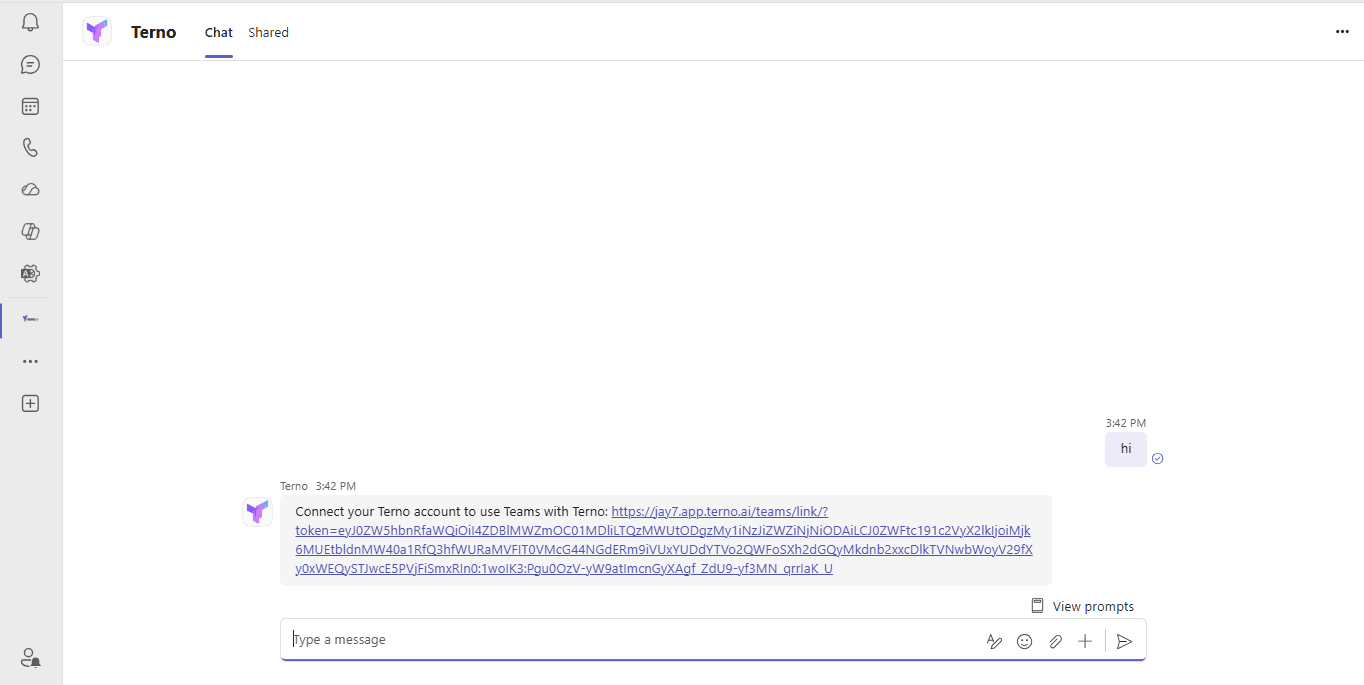
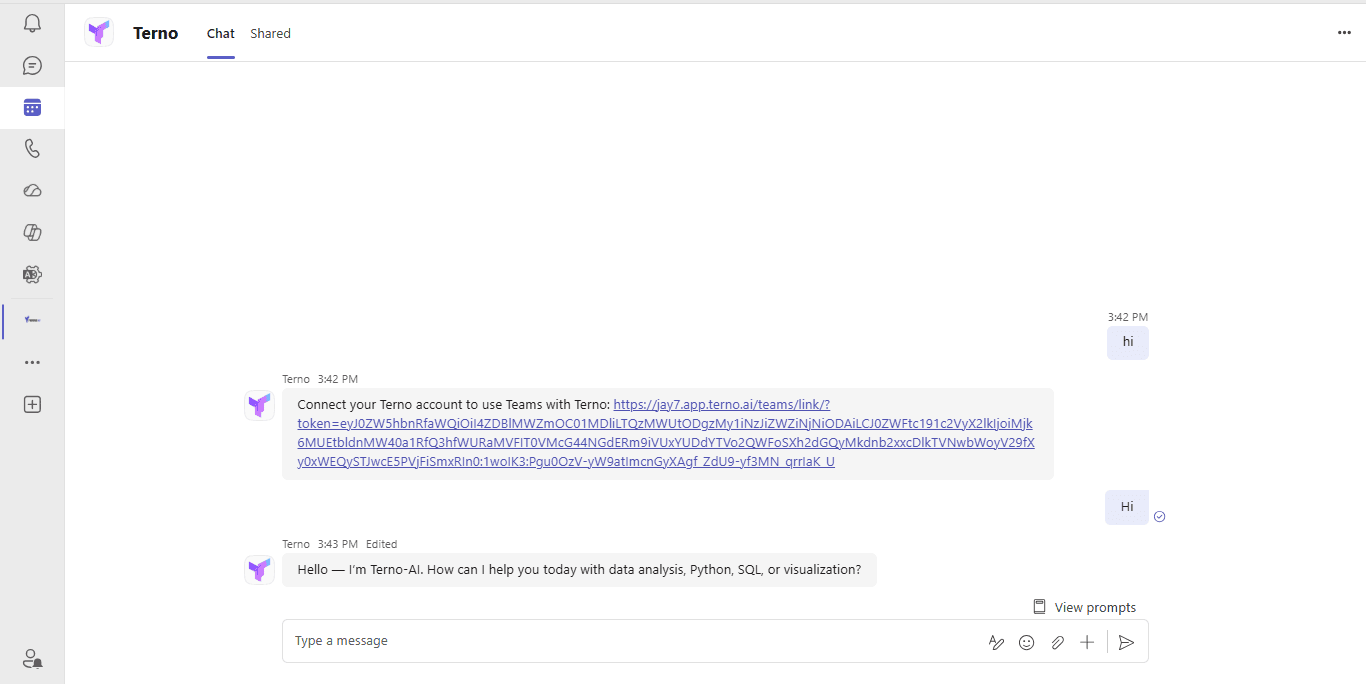
Connect Terno AI to Microsoft Teams

Bring your AI data scientist into Teams. Follow these steps to connect your organisation and start querying your data with Terno.
Step 1 of 6
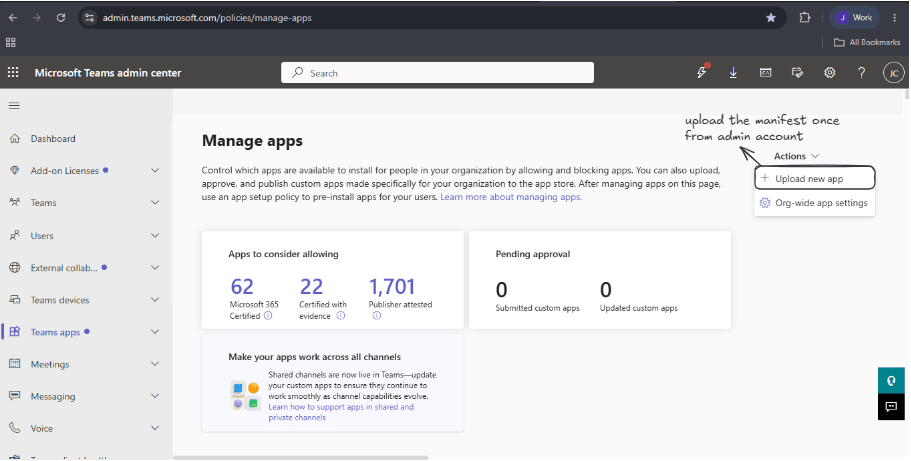
Upload the Terno Manifest to Teams Admin Center
To connect Microsoft Teams to Terno AI, an admin needs to upload the Terno app manifest once. Go to the Microsoft Teams Admin Center → Manage apps , and click Upload new app to register Terno for your organisation.