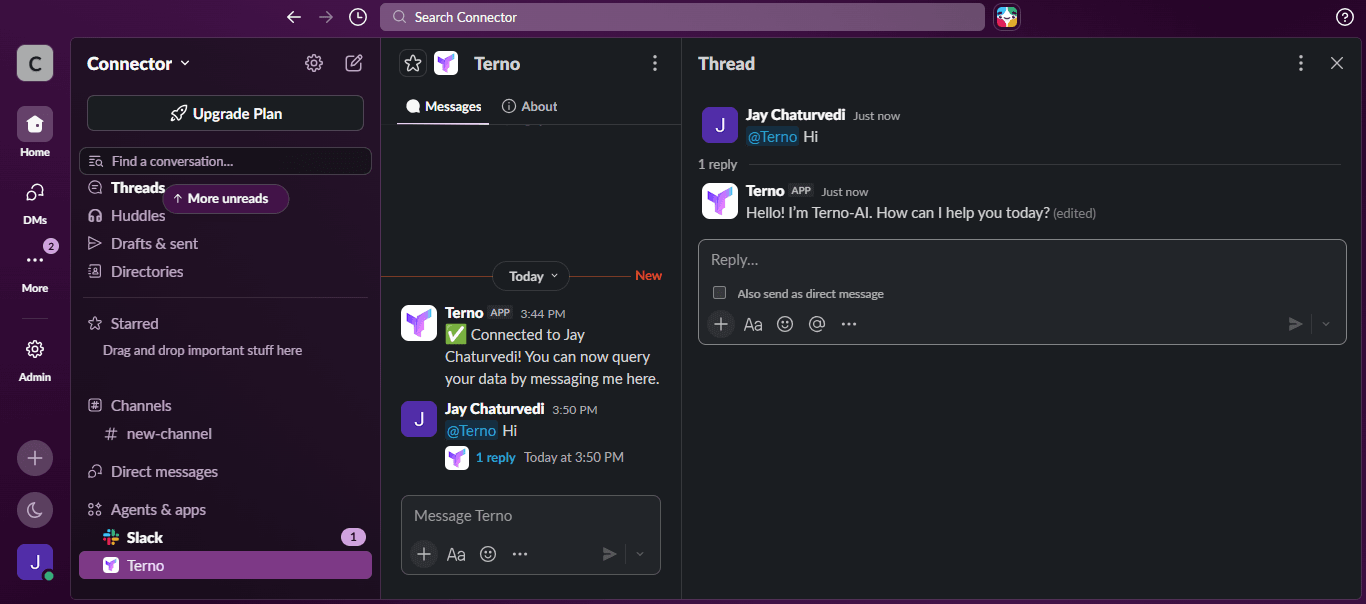
Connect Terno AI to Slack


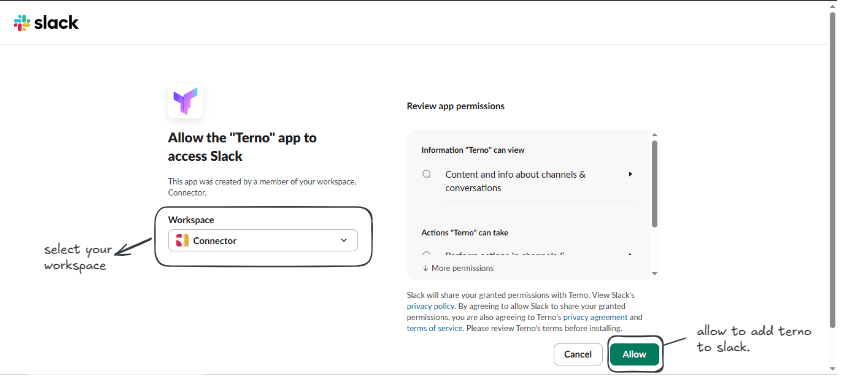
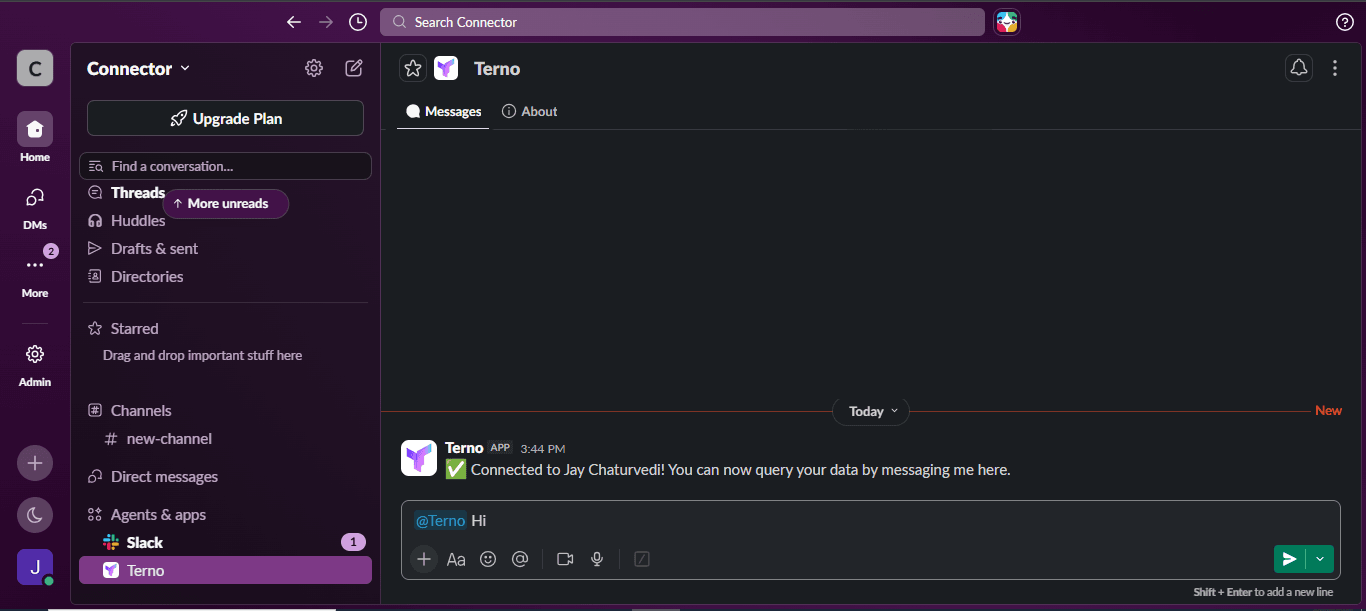
Bring your AI data scientist into Slack. Follow these steps to connect your workspace and start querying your data with @Terno.
Step 1 of 4
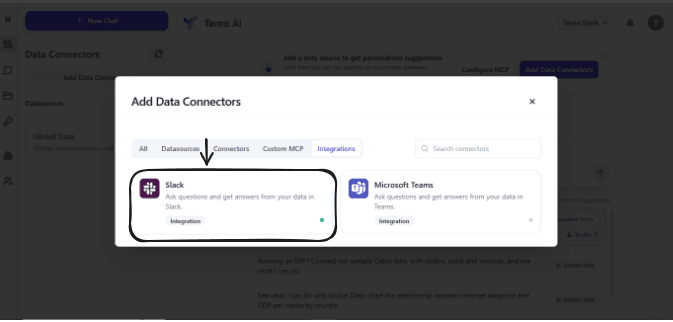
Connect Slack from the Add data connector Panel
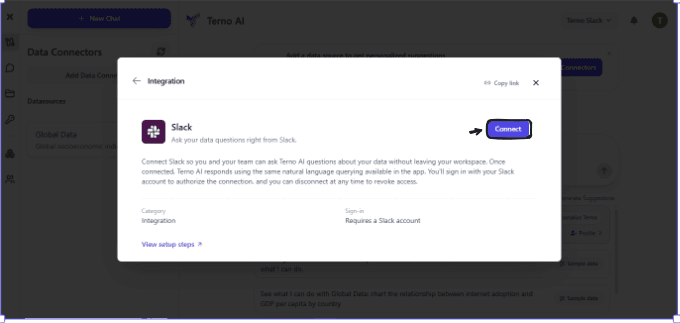
To connect Slack to Terno AI, open your organisation's dashboard and click Add Data Connector. In the connector panel, select Integrations, find Slack, and click Connect to begin the setup.