
Access control
Control which tables, columns, rows, and ad accounts Terno AI can use, for everyone or for each group of users.
Choose exactly which data Terno can use. It helps to:
- Keep sensitive tables or columns, such as salaries or personal data, away from the AI.
- Hide old or noisy tables so Terno picks the right ones.
- Give each team a view of only the data they should see.
Where to set it
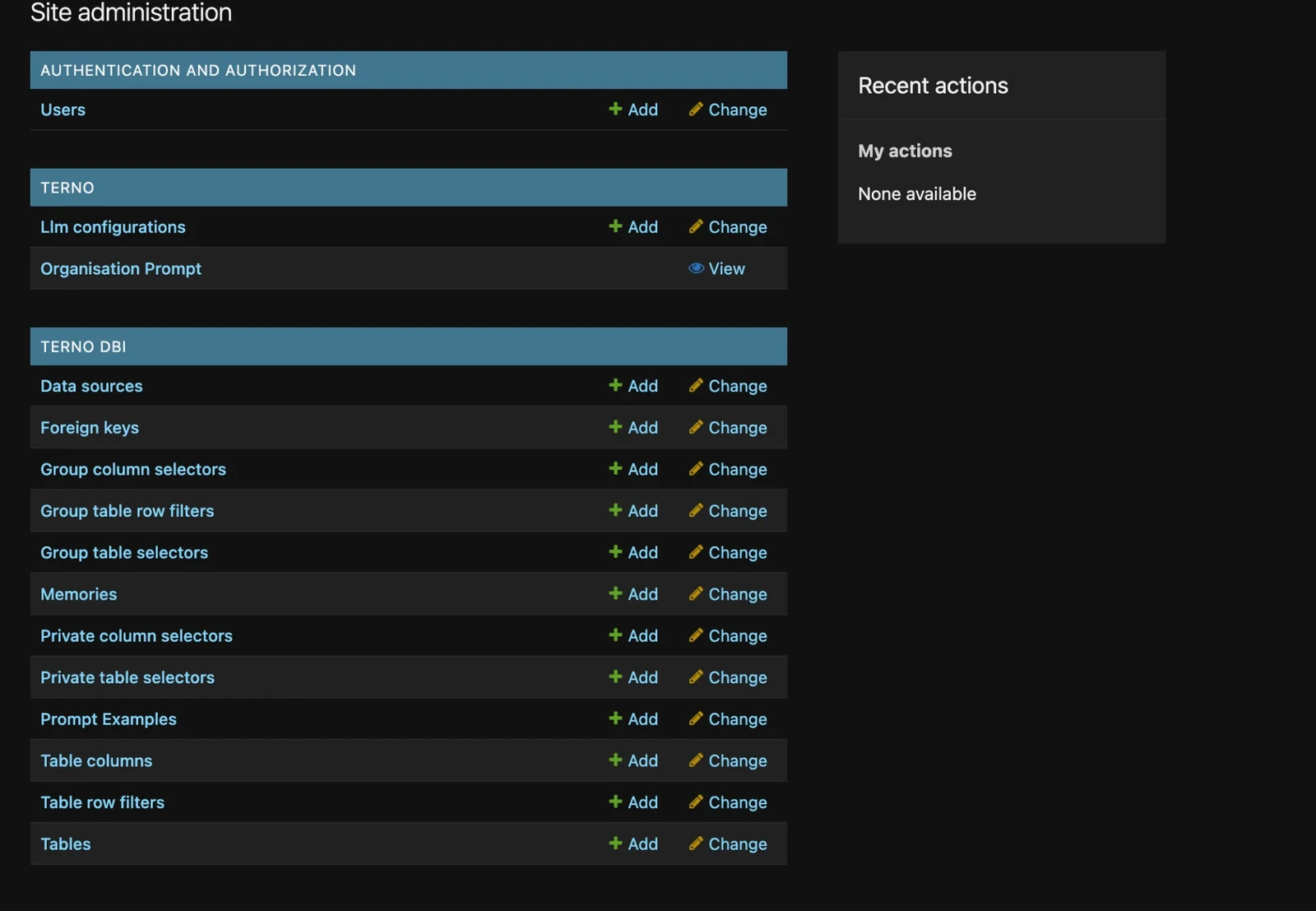
Section titled “Where to set it”Open Admin from the profile menu (your avatar, top right). The rules live under Terno DBI.
Tables
Section titled “Tables”| Rule | What it does |
|---|---|
| Private table selectors | Hide tables from everyone in the workspace. |
| Group table selectors | Include or exclude tables for a specific group of users. |
Columns
Section titled “Columns”| Rule | What it does |
|---|---|
| Private column selectors | Hide columns from everyone, such as email or salary. |
| Group column selectors | Include or exclude columns for a specific group. |
| Rule | What it does |
|---|---|
| Table row filters | Only show rows that match a condition, for everyone. |
| Group table row filters | Only show matching rows to a specific group, such as region = 'EU' for the EU team. |
Row filters are SQL conditions of up to 300 characters. Terno adds them to every query, so users in that group can never see other rows, however they phrase the question.
Example: give the EU sales team only EU data
Section titled “Example: give the EU sales team only EU data”- Make sure the EU sales team are in a user group, for example EU Sales.
- In Group table selectors, include only the
ordersandcustomerstables for EU Sales. - In Group column selectors, exclude
customers.phonefor EU Sales. - In Group table row filters, add
region = 'EU'onordersfor EU Sales.
App accounts
Section titled “App accounts”For app connectors, choose which accounts Terno can use in Manage → Account selection on the connector. See Managing connections. Accounts set to No access are never queried.
Admins can also give a group only some accounts. Account selection can then only narrow that list, never widen it.