
Files
Upload files for Terno AI to analyse, and find the files Terno creates.
Open File Explorer from the sidebar.
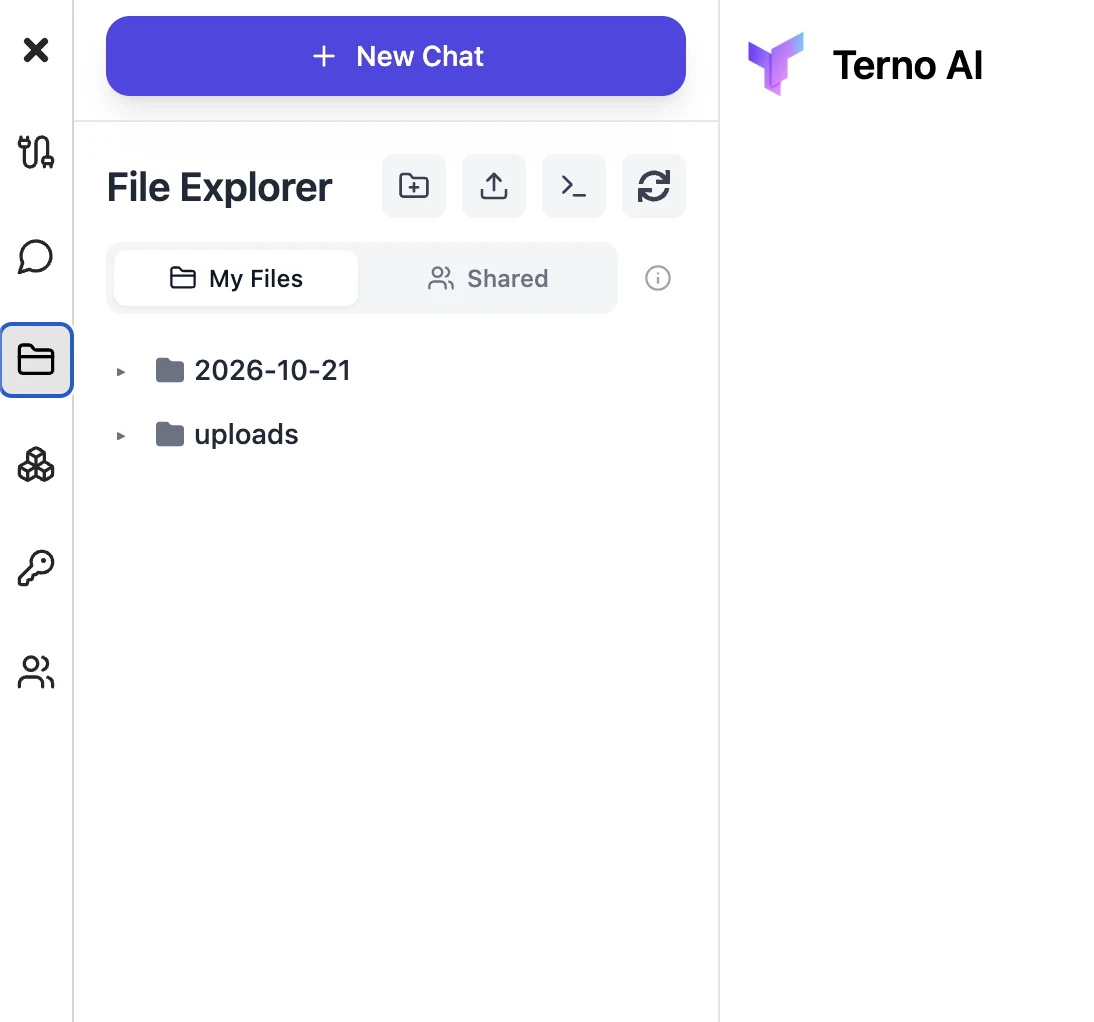
- My Files: your uploads and files Terno creates for you, such as charts and CSV exports.
- Shared: files shared with everyone in your workspace.
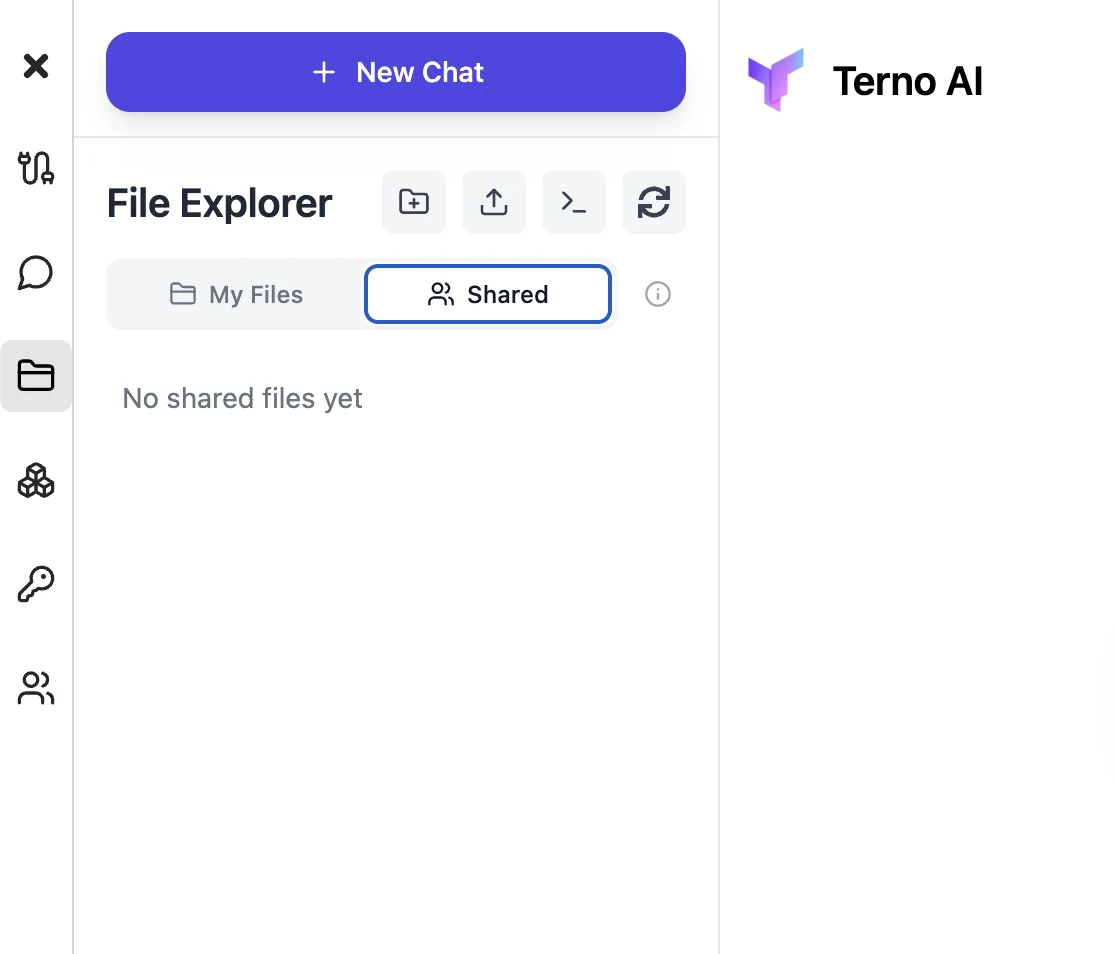
- Buttons at the top let you create a new folder, upload files, view the agent’s environment (the machine Terno works on, read-only), and refresh.
You can also attach files straight to a message with + → Add photos & files. Terno can work with spreadsheets (CSV, Excel), Parquet, PDF, JSON, images, and more. It installs whatever tools it needs in its own secure sandbox.