Quickstart
Create your Terno AI account, set up a workspace, and ask your first question in a few minutes.
Go from sign-up to your first answer in about five minutes. New accounts can claim free starter credits from the dashboard.
-
Create your account
Go to app.terno.ai/accounts/signup. Click Signup with Google, or enter your email and a password and click Signup.
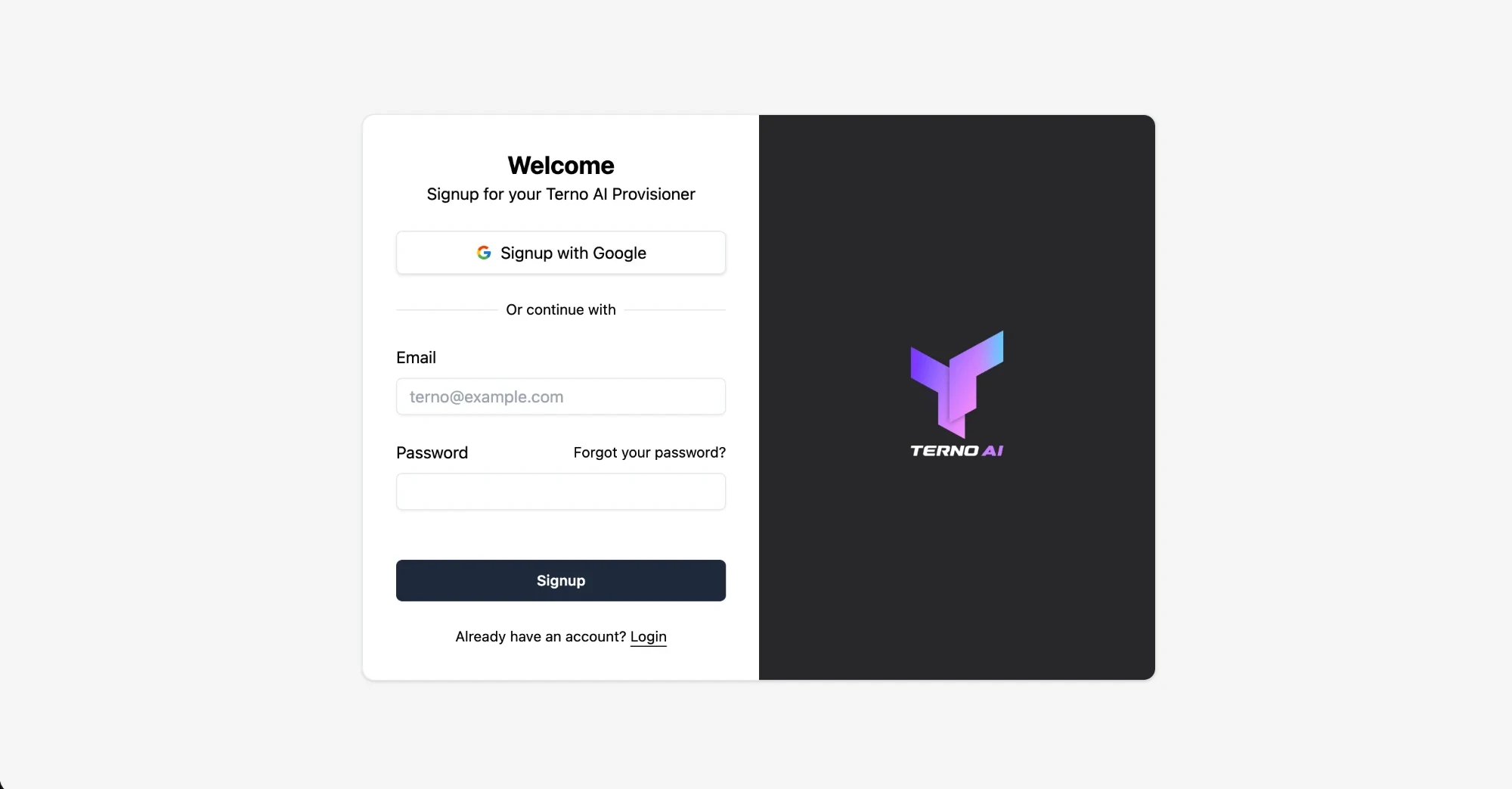
Already have an account? Use app.terno.ai/accounts/login instead.
-
Tell us about yourself
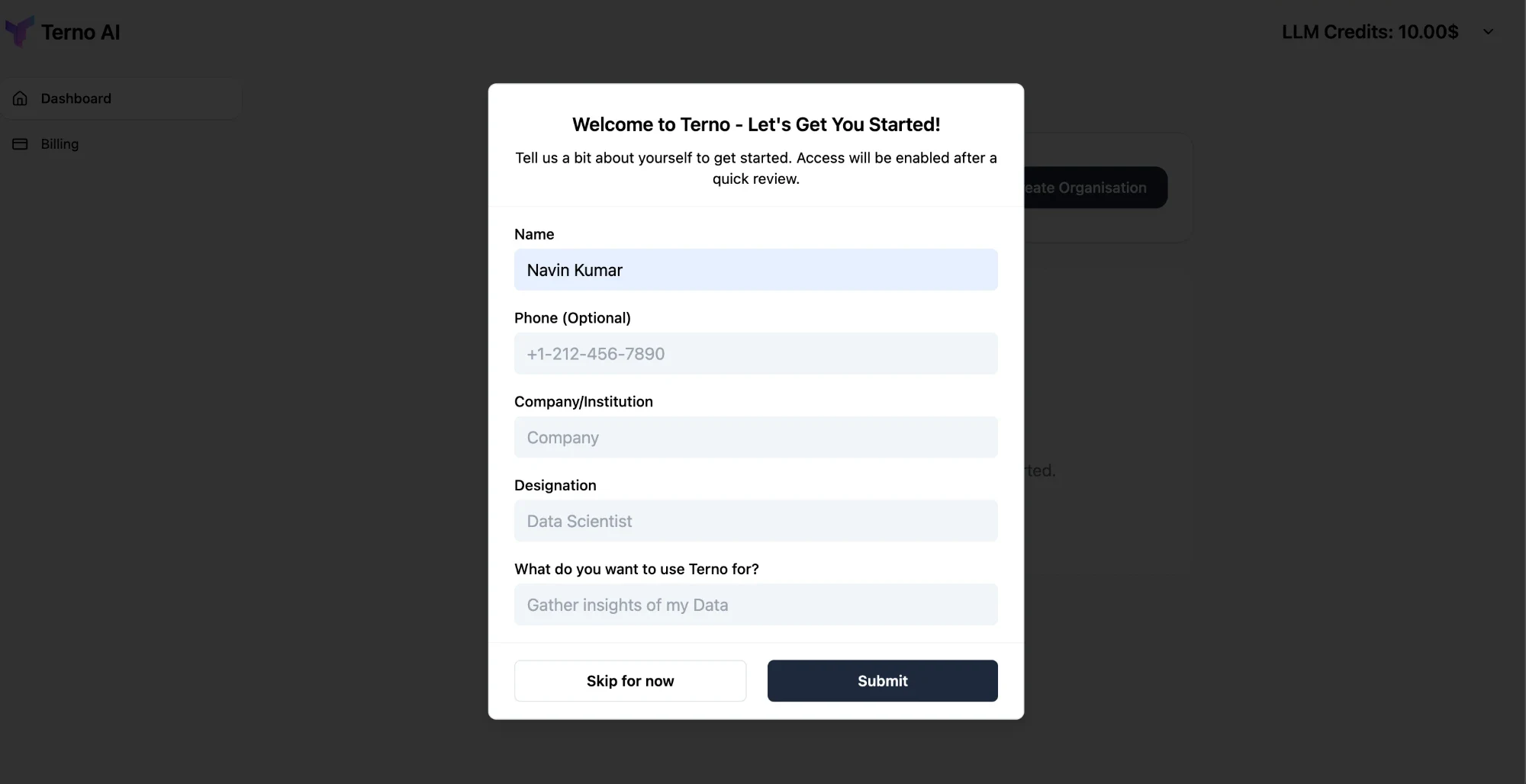
The first time you sign in, Terno asks for your name, company, designation (role), and what you want to use Terno for, plus an optional phone number. Click Submit, or Skip for now to fill it in later.
-
Create a workspace
A workspace is your team’s own Terno space, with its own data sources, members, and address. Click Create Organisation on the dashboard, then fill in:
- Organisation Name: your team or company name.
- Workspace Domain: the address of your workspace. If you enter
acme, your workspace lives atacme.app.terno.ai. Use lowercase letters, numbers, and hyphens, up to 63 characters, without a hyphen at the start or end.
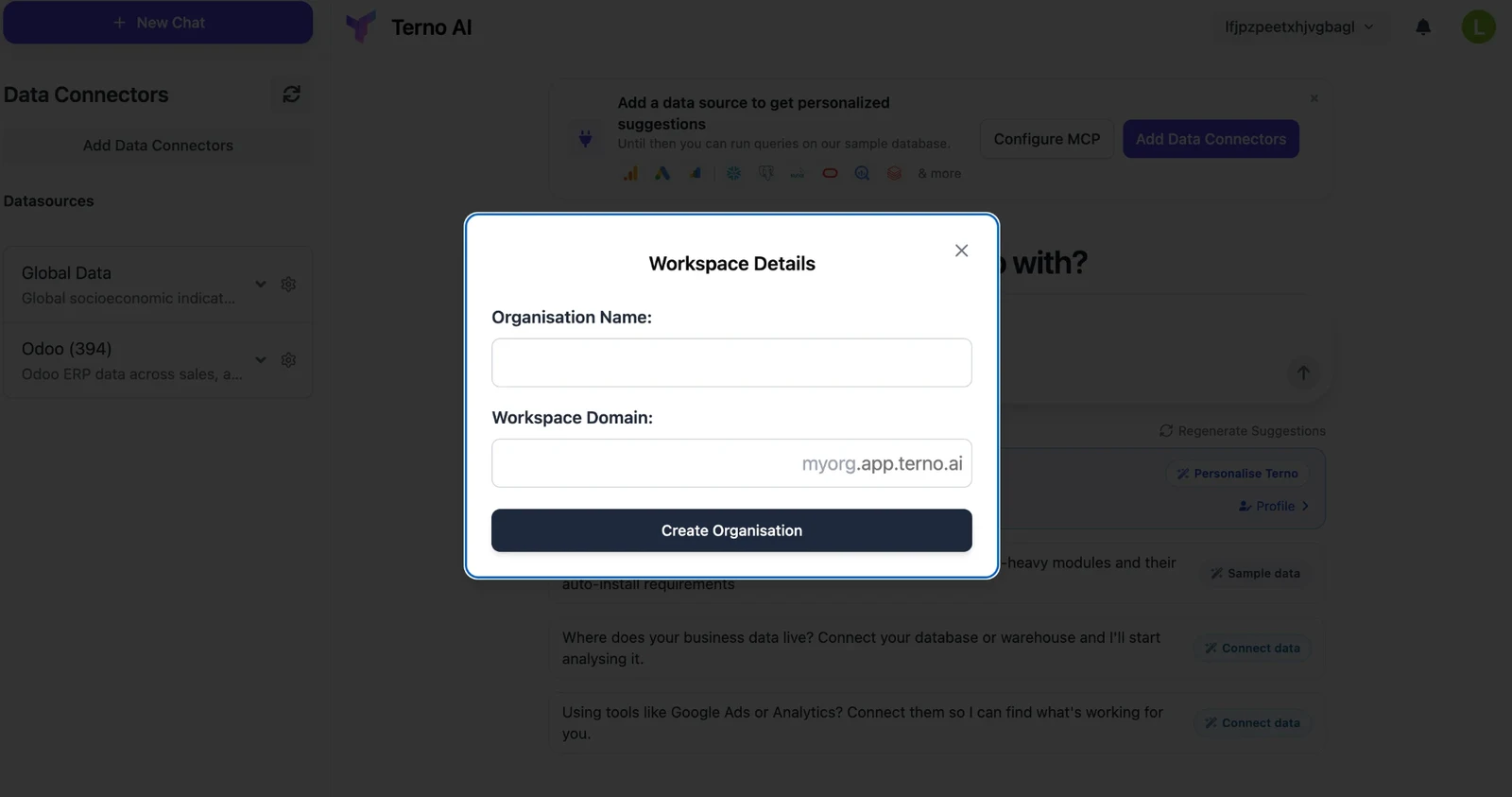
Click Create Organisation. Terno opens your new workspace.
-
Ask your first question
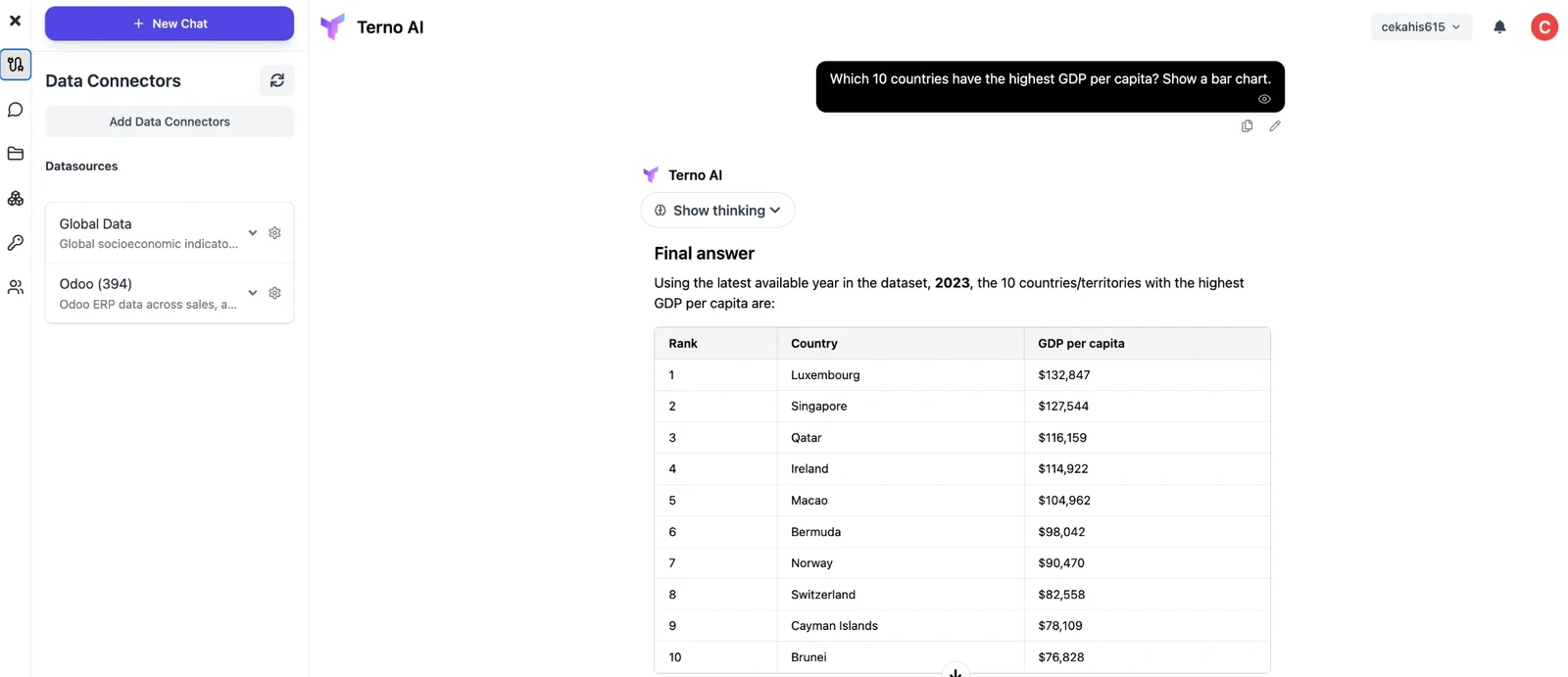
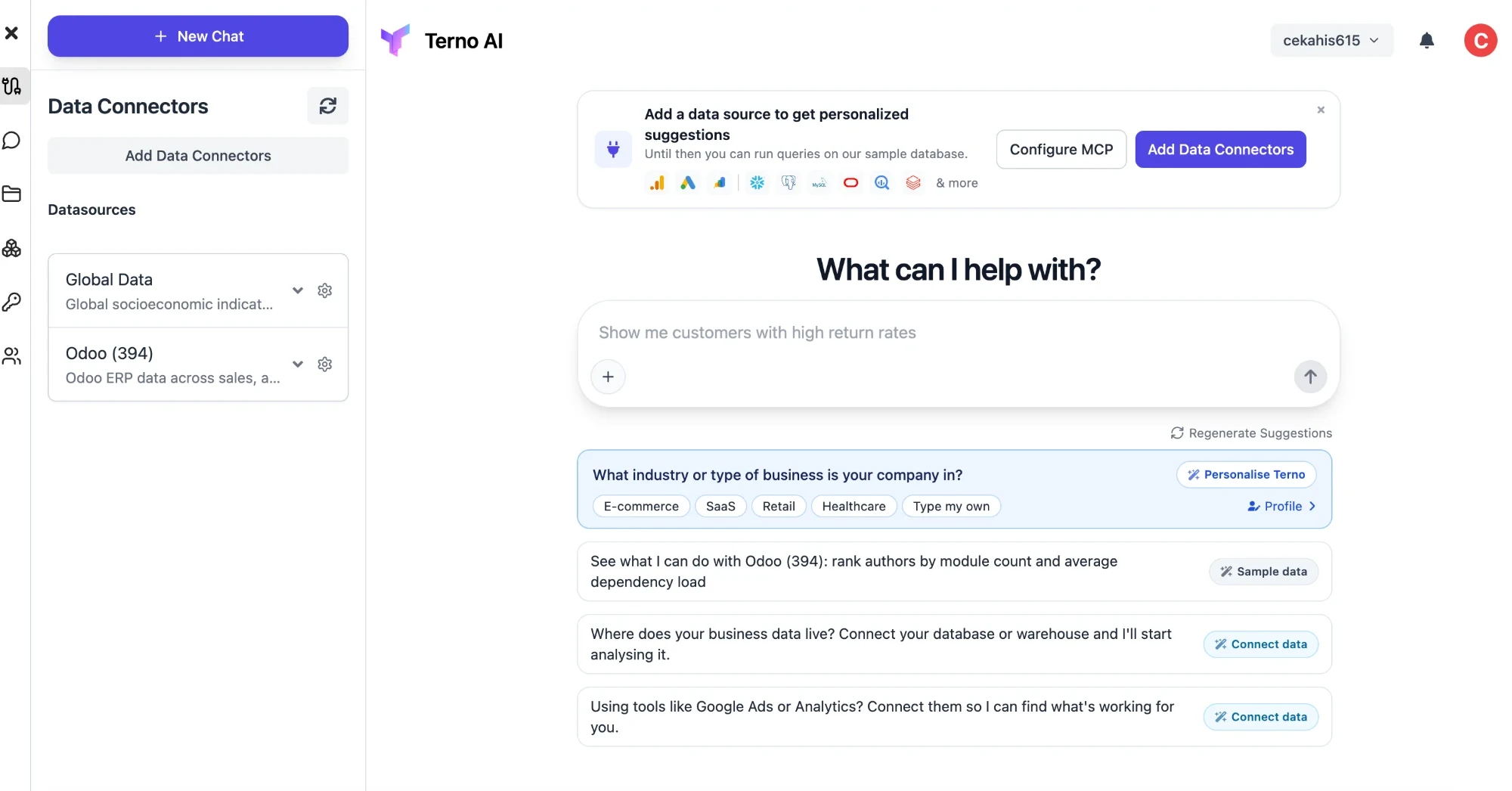
Your workspace may include sample data, such as Global Data (socioeconomic indicators by country) and Odoo (ERP data), so you can try Terno before connecting anything. Type a question in the box, or click one of the suggestions.
-
Get your answer
Terno plans the work, runs the queries, and replies with a written answer, tables, and charts.