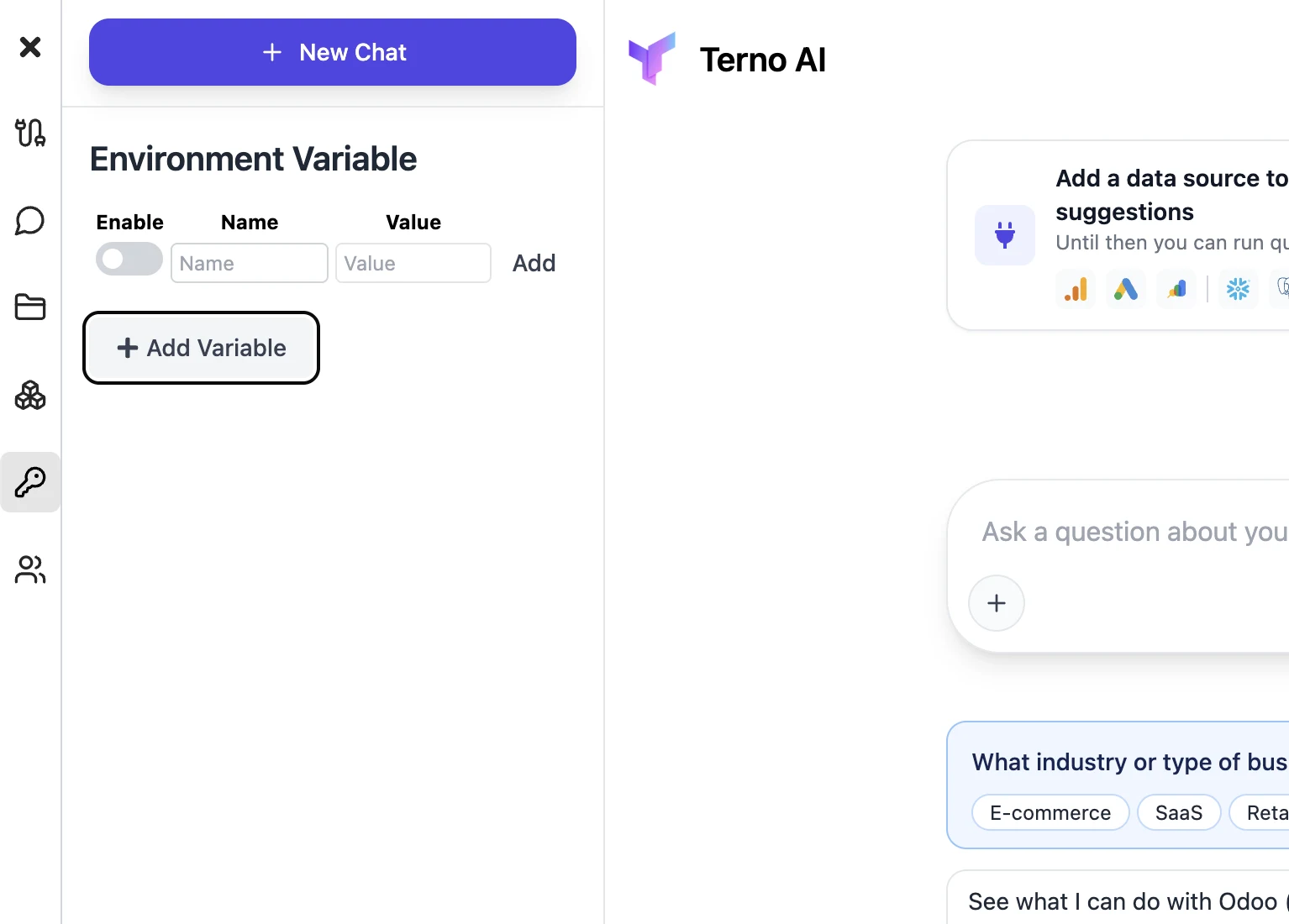
Environment variables
Store keys and values that Terno AI can use when it runs code in your workspace.
Open Environment Variables from the sidebar and click Add Variable. A new row appears: switch it on with Enable, type a Name and a Value, then click Add. Use it for things like an API key Terno needs to call an outside service. To change existing variables, edit them or switch Enable on or off, then click Apply Changes.